P-H3-Image
P-H3-Image is a compact AI image model derived from H3. Type a short idea to generate sharp pictures, or upload photos and explain what to adjust. It reworks prompts, runs in fewer steps, and stays much lighter than full H3—so portraits, documentary-style shots, anime frames, and clean layouts look natural without long wait times.
Try the demo
See What You Can Create
Images (Optional)
Choose a demoAspect Ratio
Prompt
Click here to get started
What is P-H3-Image?
P-H3-Image is a lighter take on MiniMax H3 made for still pictures. Say what you want in plain words to generate a new image, or upload photos and note the edits you need. The stack was rebuilt—prompt helper, text reader, diffusion steps, core model, and decoder—so downloads are smaller, generation is faster, and single frames look sharper than stock H3 output.
- Short Prompts That Still Guide the SceneH3 cares a lot about wording. P-H3-Image uses a compact upsampler to turn a quick request into clear instructions the model follows, without bloating your prompt or making everything look plastic.
- Photos, Film Looks, and Short LabelsResults tend to look best for real-world portraits, editorial shots, anime-style frames, drawings, and simple graphics with a few words. Brief titles or quotes usually hold up; long fine print does not.
- Edit Uploads and Mix ReferencesTweak an existing photo—background, light, or mood—or stitch ideas from several reference images into one scene, similar to how video models combine clips.
Why Use P-H3-Image for Visual Work
Three reasons P-H3-Image is easier to run than full H3 and still strong for everyday creative tasks:
P-H3-Image Key Features
What P-H3-Image helps you make with brief prompts, photo uploads, and the online editor:
Create From Text
Type a short idea and the built-in P-H3-Image prompt helper turns it into clear wording H3 can read. A smaller text encoder keeps meaning intact while the model draws one sharp still you can save.
Edit Your Photos
Send an upload plus a plain instruction to change background, lighting, or mood. Add extra reference shots when you want the result to borrow a face, outfit, or prop from another image.
Built for Posters and Products
The model shines on documentary-style photos, skin-rich portraits, film-like frames, anime panels, hand-drawn art, and simple layouts with a few words—not long paragraphs of tiny type.
Eight Aspect Ratios
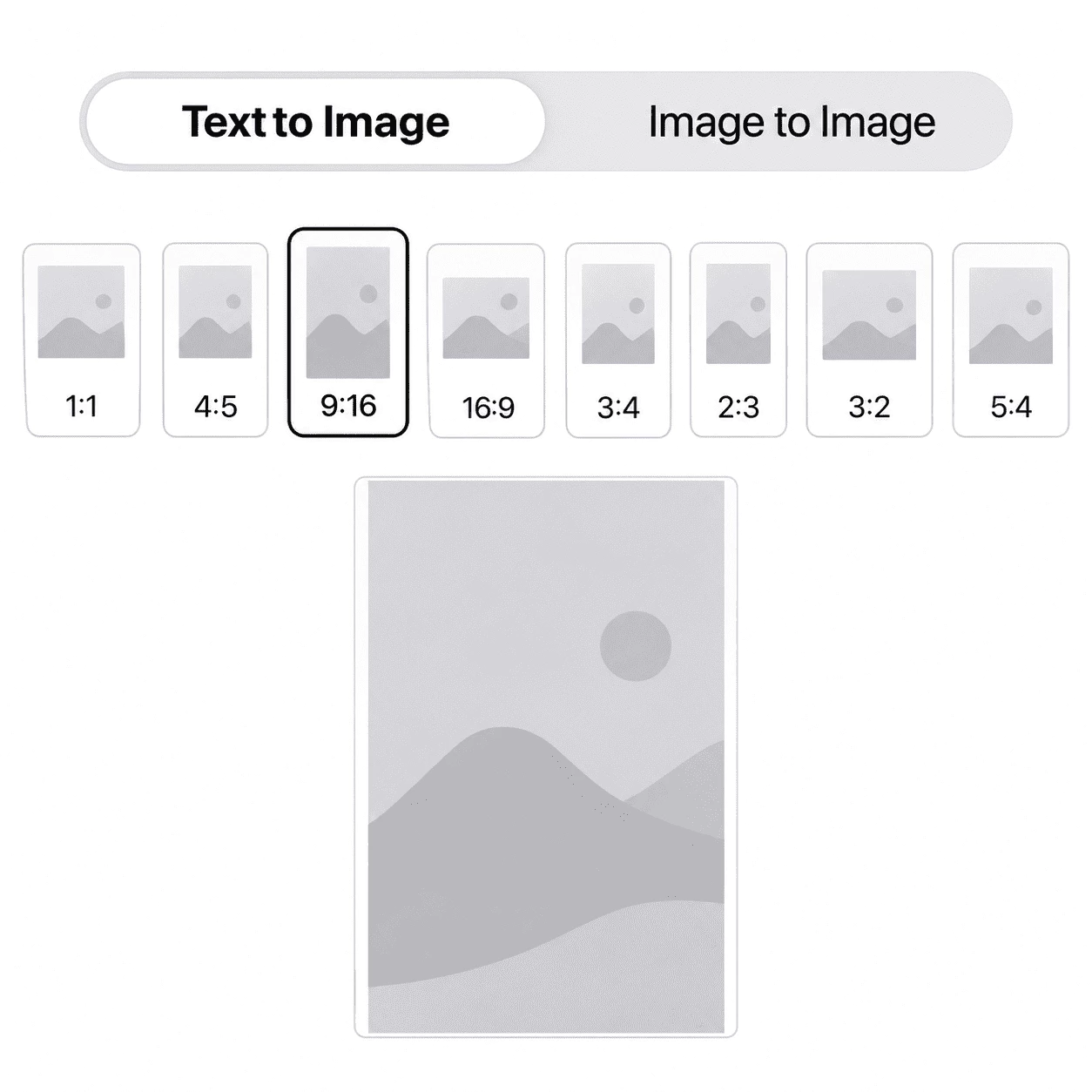
Pick Auto, 1:1, 4:5, 3:4, 2:3, 9:16, 16:9, or 3:2 for social posts, banners, or matching your source photo. Larger outputs often look crisper because H3-style models need more pixels.
Template Briefs in the Editor
Start from a sample brief in the editor, swap in your subject and colors, and run in eight diffusion steps—much quicker than the long default schedule on raw H3.
Private History and Downloads
Each generation is stored in History so you can download, rerun with a new seed, or remove uploads and outputs when you are done experimenting.
Make Your First P-H3-Image
Three simple steps from a quick idea to a finished P-H3-Image still in the editor:
Choose a Mode
Use text to image when you only have words, or image to image when you want to upload a photo—or several references—and tell the model what to change or combine.
Write Your Brief
Keep it short; the prompt helper can expand it into clear instructions. Name the subject, mood, and light, or tweak a starter template with your colors and any short label on the picture.
Generate, Save, and Refine
Pick a frame shape and output size, then run Generate. P-H3-Image uses eight quick steps, so results arrive much sooner than a full H3 run. Save the file, try another seed, or revisit it from History.
Click here to get started
Ways to Use P-H3-Image
See how people use P-H3-Image with short prompts and photo edits for prints, portraits, graphic layouts, and quick image touch-ups on a lean H3-based stack.
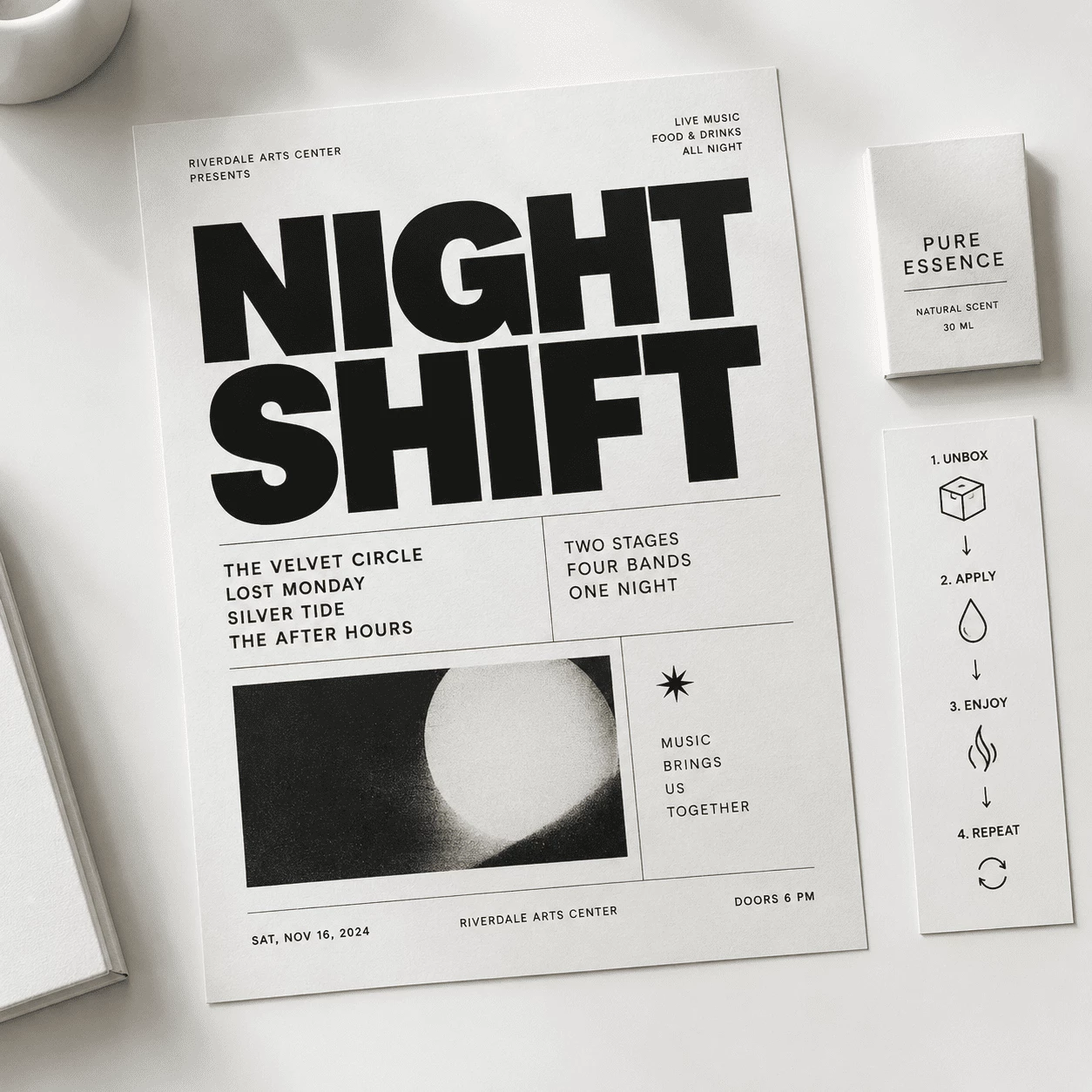
Build Layout-Heavy Posters
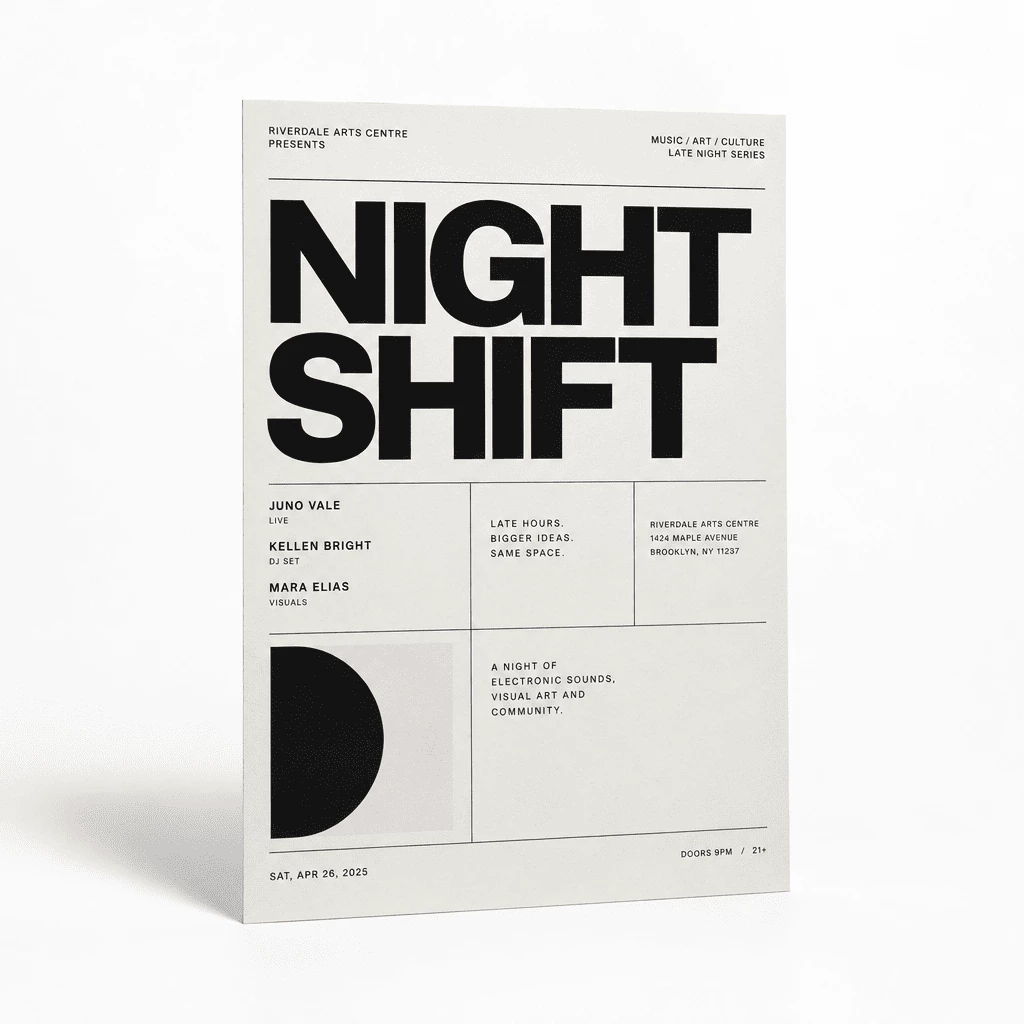
Say how the page is arranged, the paper tone, and one bold title in everyday language. P-H3-Image expands the wording and renders a sharp still so event and promo layouts stay readable.
- Begin with a sample brief and replace the headline, date, and palette
- Choose a frame shape that fits feeds or wide banner placements
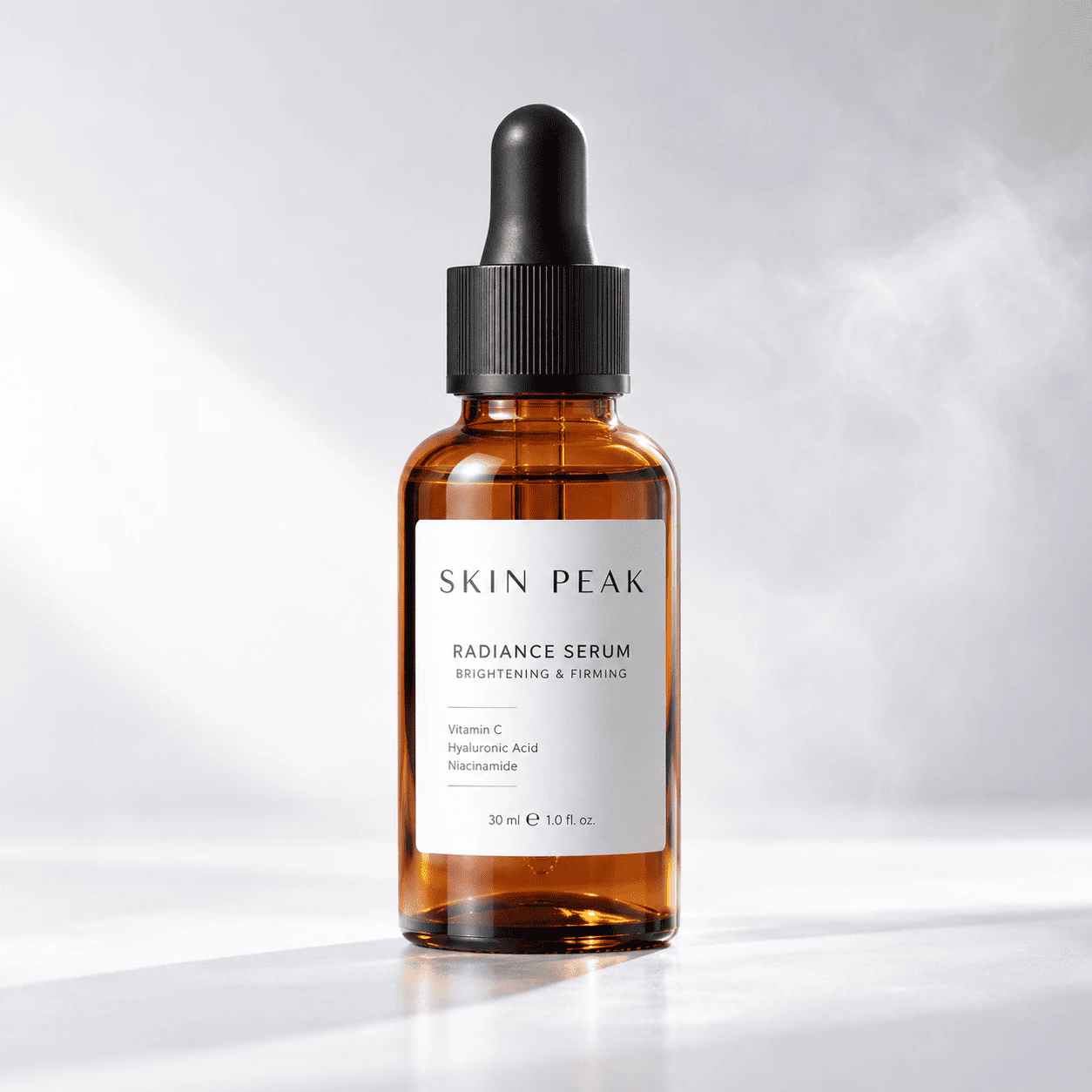
Light Bottles and Pack Shots
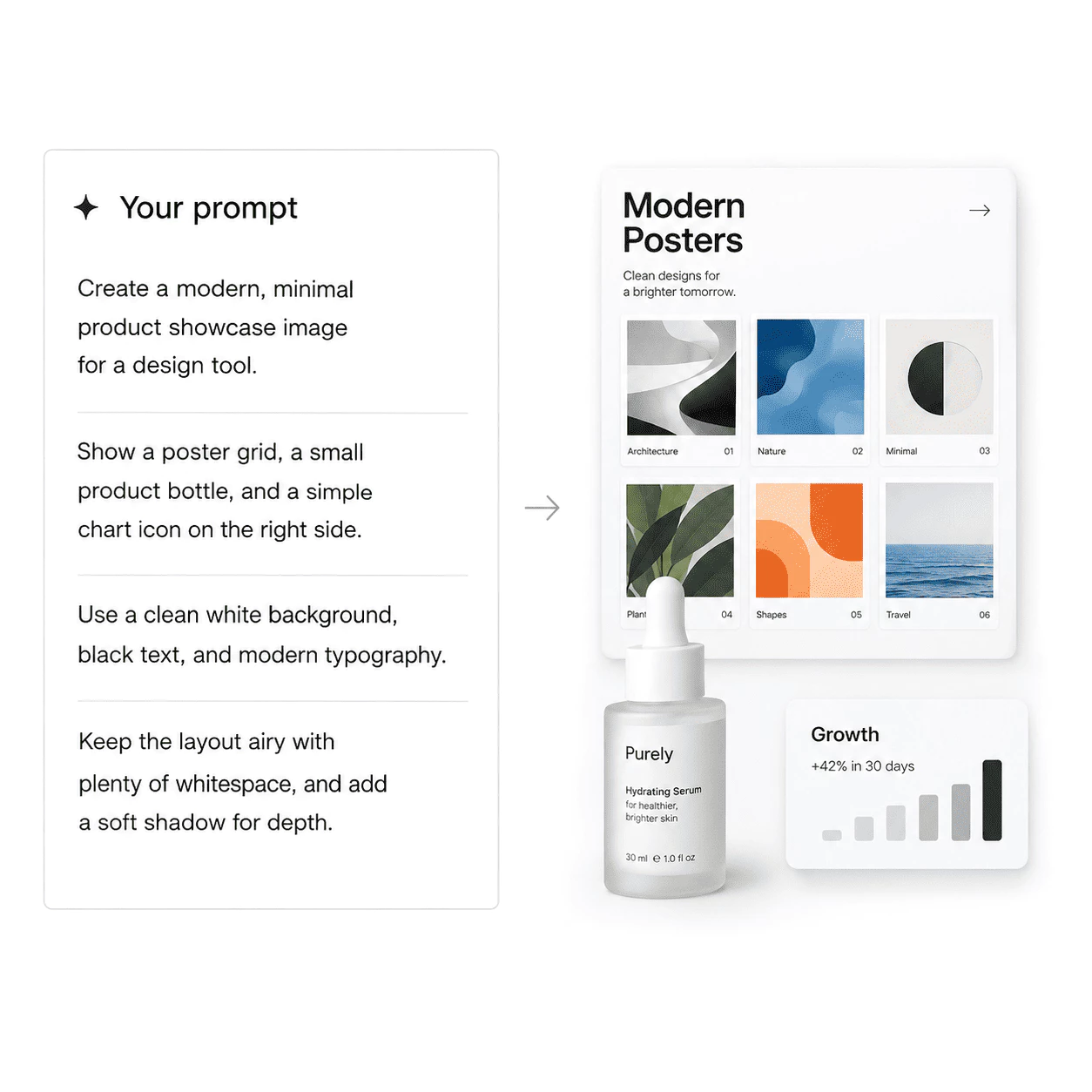
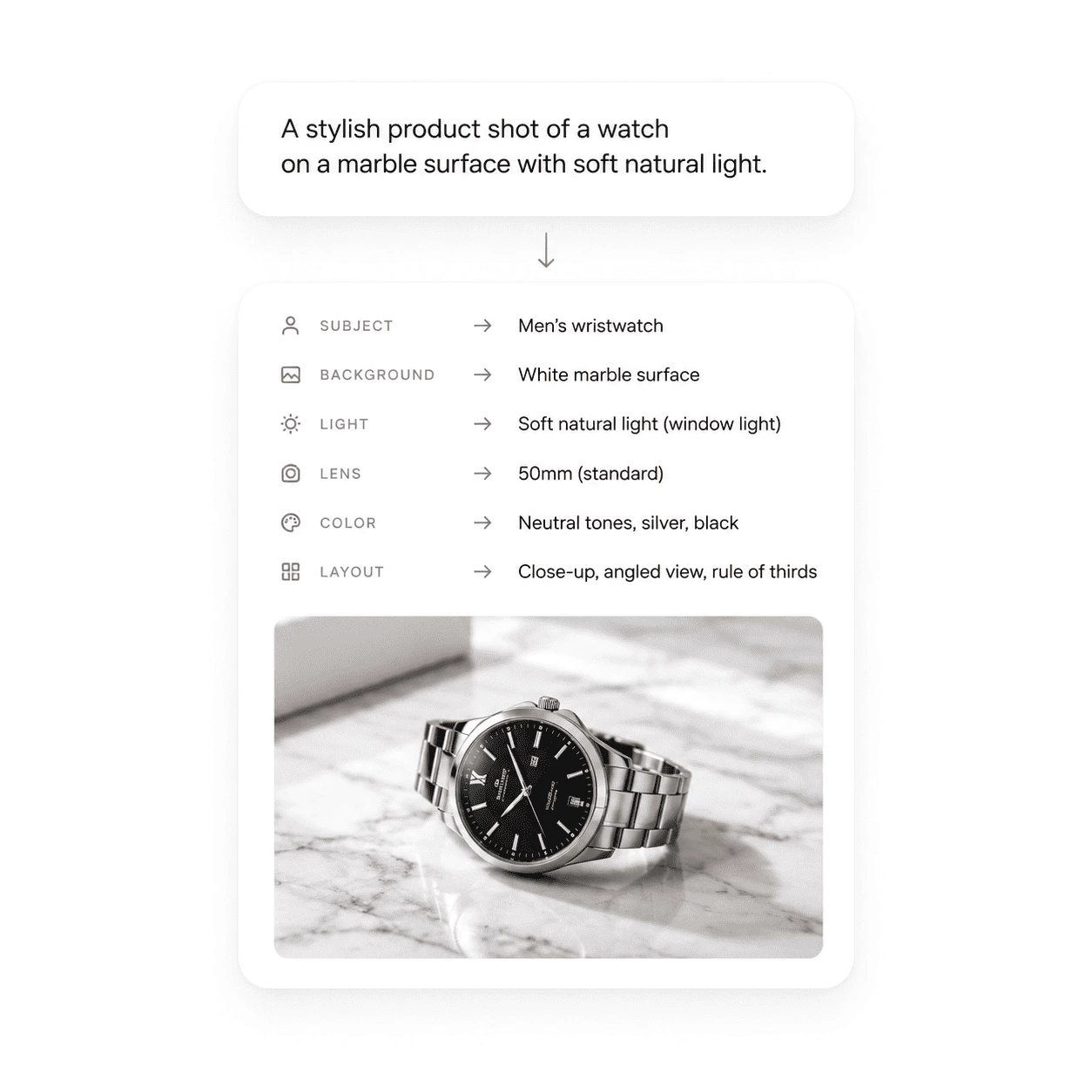
Tell the model where the bottle rests, how the light grazes the glass, and the feel of the backdrop. P-H3-Image’s photo-focused decoder keeps reflections and short label text crisp for catalog and ad work.
- Mention material, surface, haze, and which side the label shows
- Export the render for shops, decks, or social tiles
Click here to get started
P-H3-Image – From Brief to Image
P-H3-Image has one focus: turn a short note and optional uploads into sharp stills for portraits, products, simple graphics, and quick edits—without running the full H3 stack.
Detailed Prompts
Scene Plan First
A few words pass through a small prompt helper and a lighter text encoder, giving H3 clear cues on subject, light, and mood before the eight-step draw begins.
Words in the Frame
Layouts That Read
Bold titles and short package lines often stay legible. Long blocks of tiny copy are weaker, but brief quotes and headline-style type fit graphic and print-style requests well.
Fast Image Output
Ready to Use
Runs finish in a fraction of the time of a 50-step H3 job on similar hardware. Choose a ratio, download the file, and revisit past outputs from History when you want another pass.
P-H3-Image – Common Questions
Quick answers about short prompts, photo edits, downloads, aspect ratios, and your saved gallery.
What is P-H3-Image?
P-H3-Image is a slimmed H3 image model for the web editor. You can type a brief prompt to create a new still, or upload photos and say what to change. A prompt helper and lighter text reader prepare your words before the eight-step render.
Can ChatGPT make P-H3-Image pictures?
No. ChatGPT can suggest wording, but it does not run P-H3-Image or store results in your History. Generate and download inside the P-H3-Image editor on this site.
How do I get started?
Open the P-H3-Image editor, choose text to image or image to image, write a short brief or open a starter template, pick a ratio and size, then press Generate. Runs use eight quick steps, so they usually finish sooner than a full H3 job; save from History or edit again.
What uploads work best for edits?
Pick clean, in-focus photos with steady light when you can. Tell the model what to keep and what to swap—face, label, layout, or background—and add reference shots if you want to blend several looks into one scene.
How is P-H3-Image different from a basic image app?
It is tuned from a video-grade H3 base, with a sharper single-frame decoder and fewer diffusion steps. It fits portraits, editorial photos, anime-style frames, and simple graphics with short text better than vague one-line doodle prompts.
What does each run output?
Each generation gives one image at the size you pick—larger settings often look crisper. Text to image draws from your prompt; image to image follows your note on the upload and can lean on extra references for style or detail.